Received a Backflow Test Notice From Durham Region? Here Is What to Do, Step by Step
A working checklist for the day the notice lands: read it, find the device, check the tag, book a registered tester, get the report filed, and set the reminder so next year is a formality.
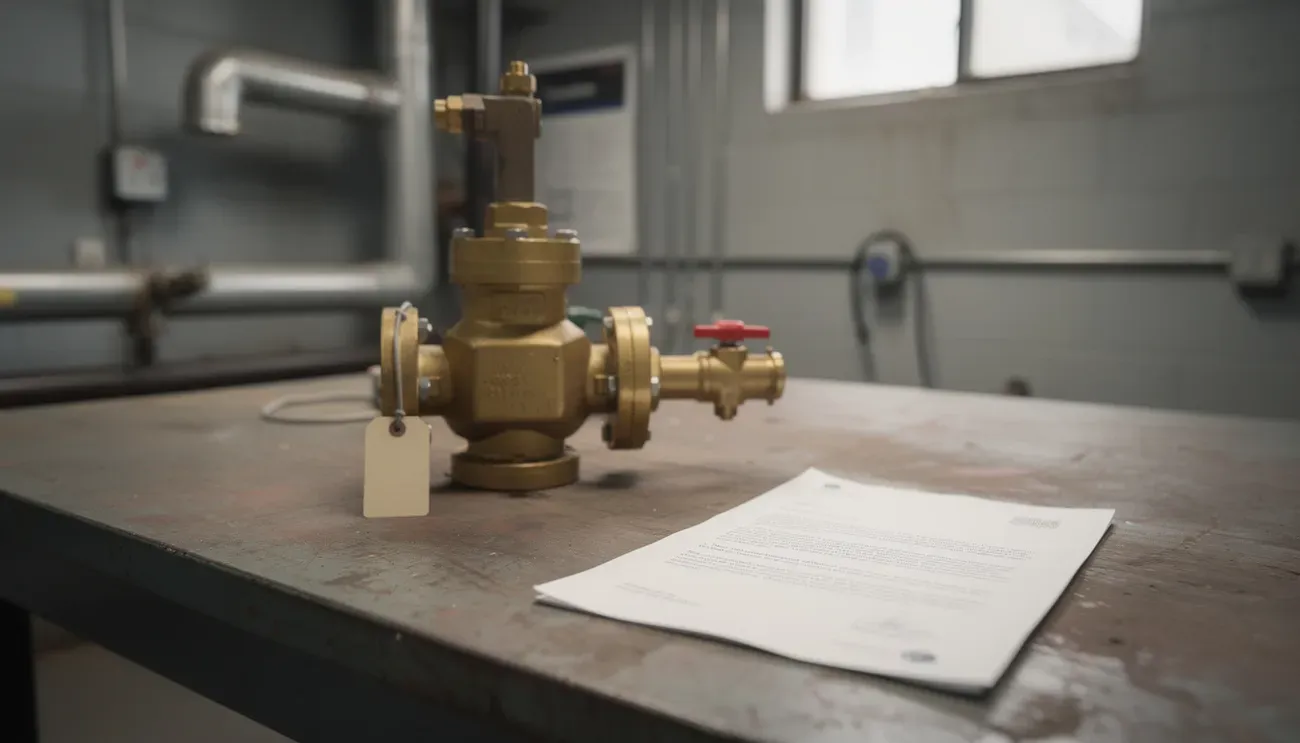
The letter is short. It names your property, names a backflow preventer, gives a due date, and says to have it tested by an authorized tester and the report submitted. This is the version of that page for people who want a checklist rather than an explanation. If you want the explanation, our notice page has it.
Step 0: confirm what kind of notice it is
Durham Region’s notices, sent through BSI Online, ask for one of three actions: test a device, repair a device, or install a device. The Region’s own program page lists all three. Almost all notices are test notices. If yours says repair or install, that is plumbing work first (a licensed plumber under Appendix A of the by-law) and the test comes after. The rest of this checklist assumes a test notice.
Step 1: read the notice properly
Pull out five things and write them down, because you will need them when you book:
- Property address on file. Check it is yours and current. Portfolios get notices at head office for buildings someone else manages.
- Device details: type (DCVA, RP or RPZ, PVB), make, model, serial number, size, and location. This is what the tester will match on site.
- Due date.
- Reference or account number for the BSI Online record.
- Who it is addressed to. The owner of record is responsible under the by-law. If that is not you, forward it today.
If the device details look wrong, do not put the notice aside. Note the discrepancy; the tester can correct the record on the report.
The company you are in: the program by the numbers
Before the next step, some context from the Region’s own records:
- About 4,800 backflow preventers in Durham (4,799 in August 2026) are on an annual test schedule.
- About 1 in 4 (1,153 devices) was past its test due date on August 13, 2026. You are not alone.
- The Region sends roughly 125 past-due letters a month, every month of the year.
- A device is usually flagged past due about 30 to 45 days after the due date on the notice. That is your window to get tested and filed.
- If nothing is filed, the device stays past due for about ten months, then the Region rolls its due date forward and a new due notice goes out. Only a filed passing test resets it.
Figures from records released by the Region of Durham under access-to-information request 2026-200 (September 2026) and Region staff report 2018-COW-145 (June 2018).
Step 2: find the device
Most premise isolation devices are near where the water service enters the building, close to the meter: a mechanical room, meter room, basement utility room, or a closet on the ground floor. Irrigation devices are outside, often near the controller or where the line leaves the building. Look for a brass or bronze assembly with small test cocks (little valves with square heads) and a shut-off valve on each end.
Cannot find it? Ask the super, the last plumber, or the previous manager. Or send us the notice; the location on the Region’s record is usually enough. Our guide to finding your backflow preventer has diagrams and a room-by-room checklist.
Step 3: check the tag
There should be a tag on or beside the device (by-law section 6.10 requires it). It shows the last test date and the tester’s details.
- Tag dated within the last year: a test may already have been done. The question is whether the report was filed. Ask whoever did it for the filing confirmation, or send us the tag details and we check the Region’s record before you pay for a second test.
- Tag older than a year, or no tag: the test is due. Move on.
A tag alone is not compliance. The record at BSI Online is.
Step 4: book an authorized tester
Under section 8 of the by-law an authorized tester has passed a cross-connection control course, holds an OWWA certificate or approved equivalent, is registered annually with the Region through BSI Online, and uses calibrated equipment. The Region publishes an authorized tester registry. Ask any provider:
- Are you on the Region’s registry?
- Does the price include the $25 BSI Online filing fee?
- Do you submit the report, and will you confirm when it is on record?
- What happens if it fails, and what does the retest cost?
Then pick a slot. If the building cannot lose water during the day (restaurant, clinic, plant), say so; early morning, evening and weekend slots exist. If you would like us to arrange it, the quote form takes two minutes and the notice photo is all we need.
Step 5: prepare the visit
- Access: keys, a contact, or a lockbox at the booked time.
- Clear a metre around the device so the test cocks and shut-offs are reachable.
- Warn anyone on the affected line that water will be off for 30 to 60 minutes.
- Have the notice handy for the serial number.
The how it works page has the full checklist and the list of things that slow a visit down.
Step 6: get the three things
After the test:
- The tag on the device, updated with the new test date and the tester’s licence number.
- The report, a copy for your file. The by-law requires the owner to keep test reports on site for five years (section 6.6).
- The filing confirmation. The tester must submit the report to the Region and area municipality within 28 days of the test (section 6.5, as amended May 2026). Ask for confirmation that it went through.
Once the report is on record, the notice is resolved. There is nothing to send back.
Step 7: if it failed
The tester notifies the Region within 24 hours (section 6.4). A licensed plumber repairs or replaces the device, promptly, at the owner’s expense. The device is retested and a passing report is filed. Most repairs are a rebuild kit rather than a new device. Our failed test page walks through it, including who is allowed to repair under Appendix A.
Step 8: set next year’s reminder now
The device is due again in twelve months. Put it in the building’s calendar today, or ask whoever tested it to remind you. We send a reminder 30 days before the due date to every client, and the reminder form works even if you tested with someone else this year. The goal is that next year the Region’s letter arrives after the test is already booked.
The whole checklist on one screen
| Step | Done when |
|---|---|
| Confirm it is a test notice | You have read the action word |
| Read the notice | Address, device, due date, reference, addressee written down |
| Find the device | You know the room and can reach it |
| Check the tag | You know whether a test was done and filed this year |
| Book an authorized tester | Slot confirmed, fee and filing confirmed |
| Prepare the visit | Access, clearance, water-off warning |
| Get the three things | Tag, report copy, filing confirmation |
| If it failed | Plumber booked, retest booked |
| Set the reminder | Calendar entry or reminder sign-up |
Questions this raises
How long do I have once the notice arrives?
The notice states a due date. Book promptly; the report has to be submitted within 28 days of the test under section 6.5, so a test done a few days before the due date is fine as long as the tester files quickly.
Do I need to reply to BSI Online or the Region myself?
No. The tester submits the report through BSI Online. You do not need an account or to send anything, unless the notice specifically asks you to confirm something (a change of ownership, for example).
What if the notice is for a device we removed years ago?
Tell the tester and the Region. Devices may only be removed if replaced with an equal or better device (section 6.8), so if it is genuinely gone, the Region will want to know what protects the connection now. Do not ignore the notice; a record with a phantom device generates notices forever.